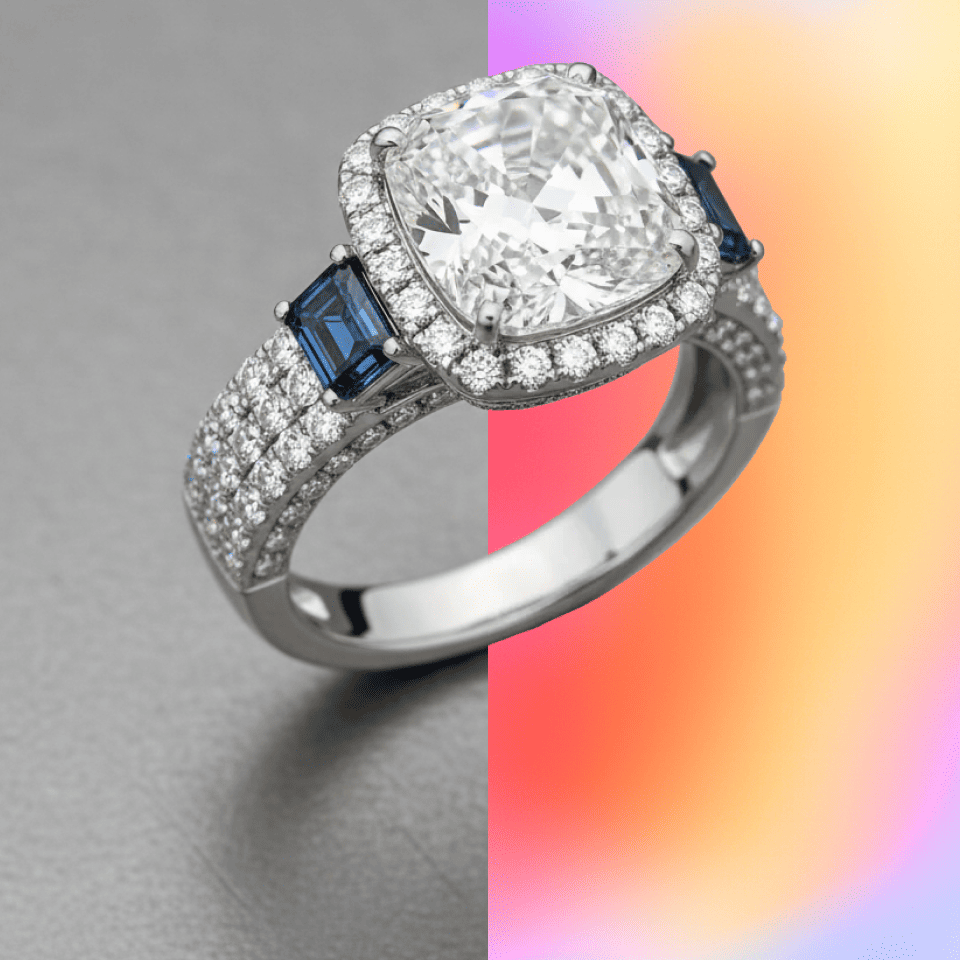
How to remove a photo background online
The tool uses AI to separate the main subject from its background. Prepare a product photo, portrait or collage element with a transparent background. Check complex edges manually.
- Upload an image up to 5 MB. Choose a photo where the subject is distinct from the background.
- Run background removal and inspect the result. Check hair, fine edges, handles and holes in the object.
- Download the transparent result. Use prompt-based photo editing for a new setting, or the separate upscale tool to increase resolution.
FAQ
How do I remove a product photo background?
Upload a photo with clear product edges, run processing and check the outline. Glass, transparent packaging and reflective surfaces may need additional manual editing.
How is removal different from replacement?
Removal leaves the subject on a transparent background. For a new background, such as a studio or room, upload the source to the image generator and describe the setting.
Why did transparency disappear after saving?
Both the file format and editor must support transparency. Do not resave the result as JPEG if you need a transparent background.
See also: photo editing and background replacement, enhance photo quality, all tools.